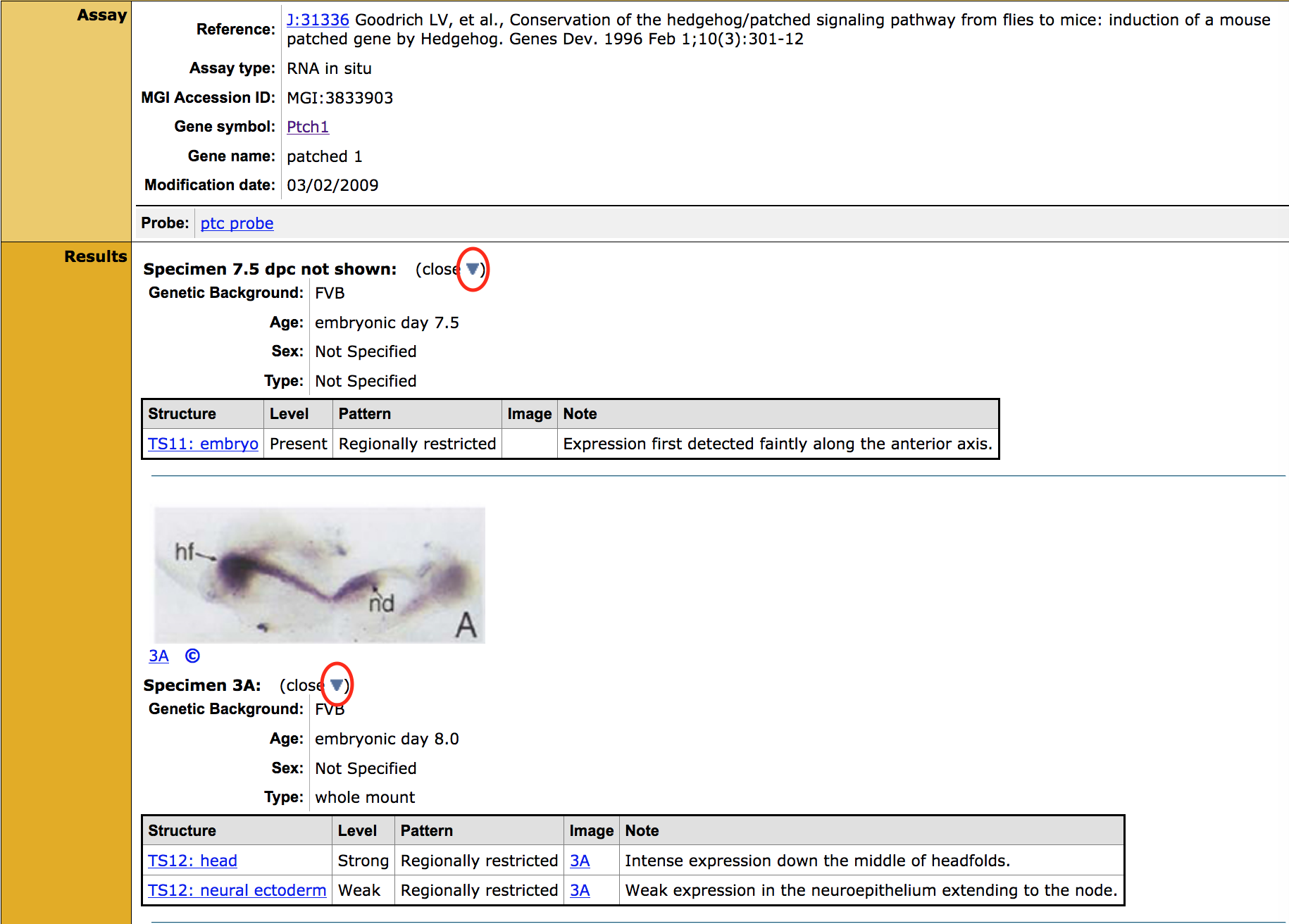
How do I find expression data for a specific gene and tissue?
|
Overview
|
||
|
You can find all expression data for a given gene from the Expression row on the Gene Detail page, or use the Gene Expression Data Query to run a search of specific interest to you using customizable parameters. |
|
|
| Accessing the Gene Expression Data Query Form | ||
|
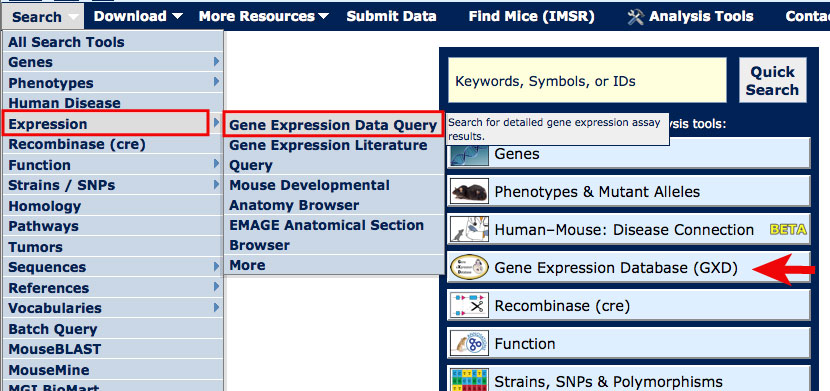
On most MGI pages, you can access the Gene Expression Data Query form from the Search dropdown menu as shown in the image at right.
For this tutorial, open the Gene Expression Data Search Form in a new window. |
|
|
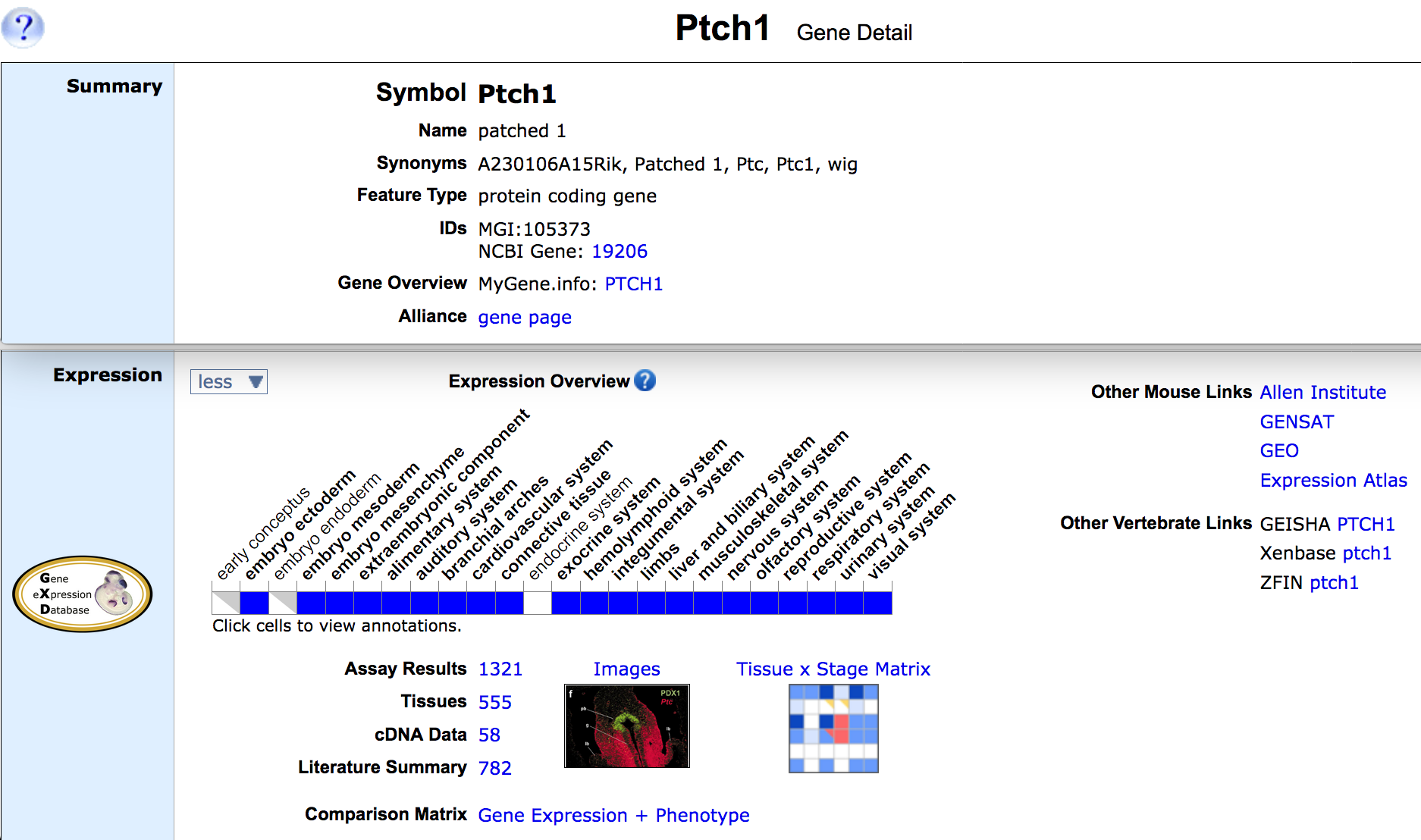
| Example 1. Finding expression data in the mouse brain for gene Ptch1 | ||
|
|
|
|
|
|
|
|
|