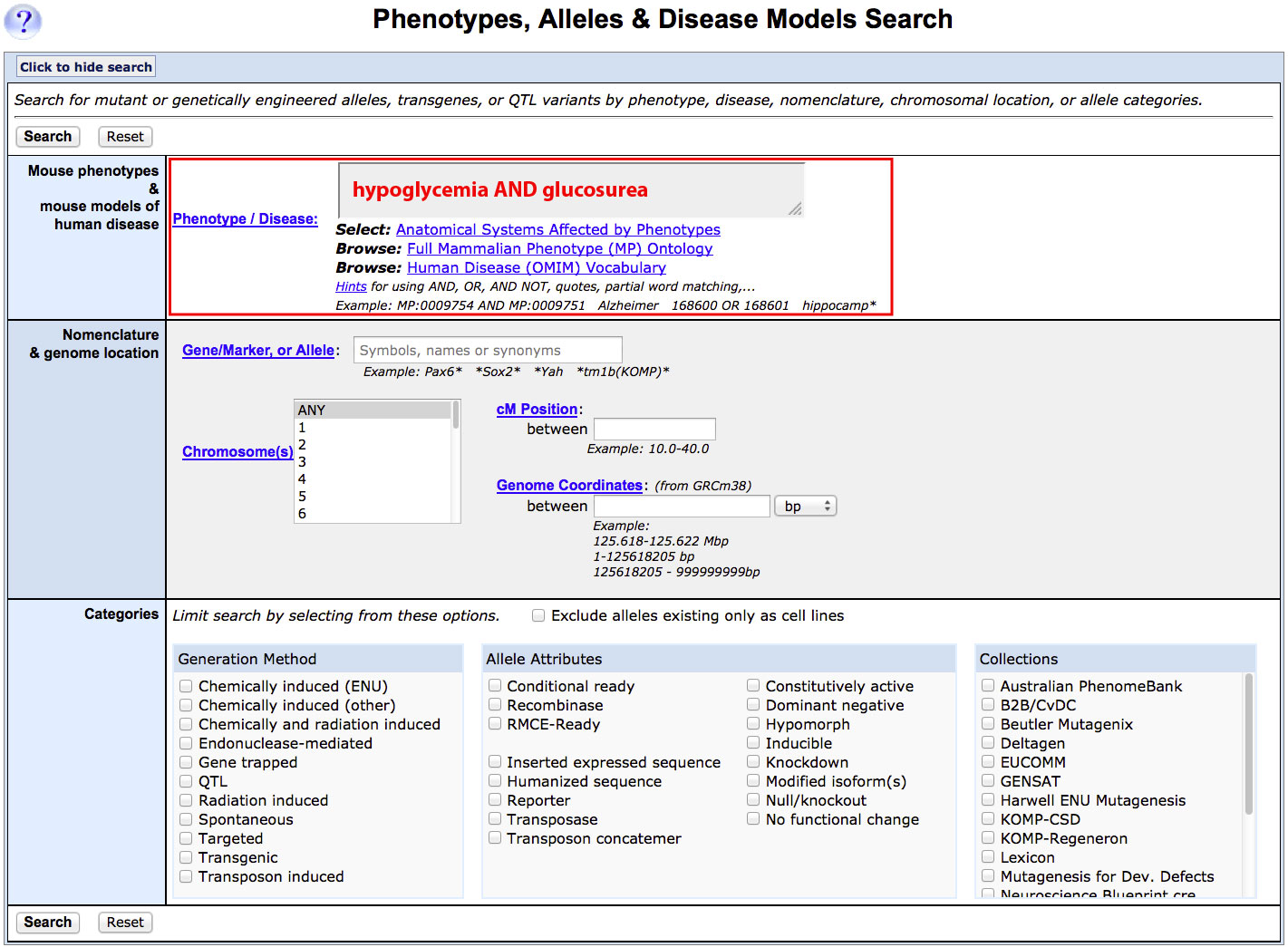
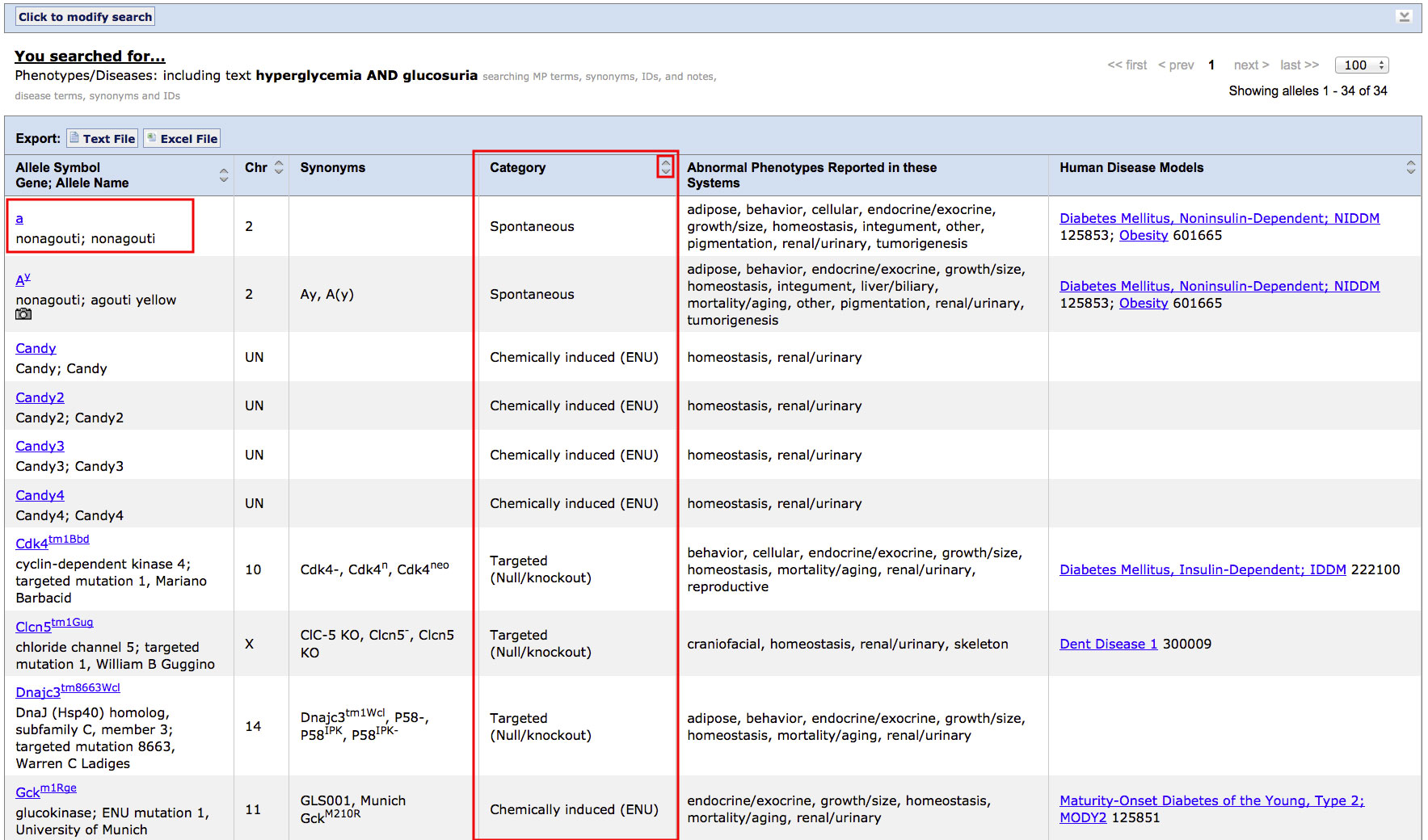
How do I find mutations that cause a specific combination of phenotypes?
| Overview | ||
| You can use the Phenotypes, Alleles and Disease Models Query Form to find alleles of a gene, alleles associated with a specific phenotype, or alleles created by a specific type of mutation. | ||
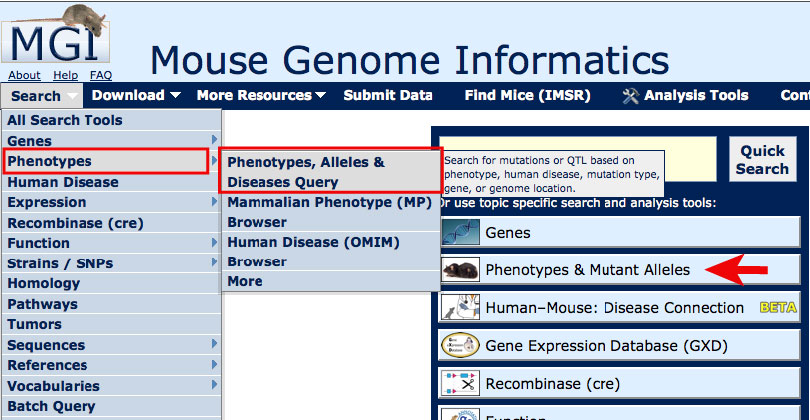
| Accessing the Phenotypes, Alleles and Disease Models Query Form | ||
|
On most MGI pages, you can access the Phenotypes, Alleles and Disease Models
Query Form from the Search menu as shown in the image at right.
For this tutorial, open the Phenotypes, Alleles and Disease Models Query Form in a new window. Scroll down this page for further instructions. |
|
|
| Example: Finding alleles associated with both hyperglycemia AND glucosuria | |||
|
|
||
|
|
||